
What this deck is for
Use it for a quarterly board meeting, an update to investors, or a review with the partners of a firm. The readers know the business already. They want the figures, the honest picture and the decisions you need from them.
Send the deck two or three days before the meeting so the meeting can be spent on the decisions, not on reading slides.
The slides, in order
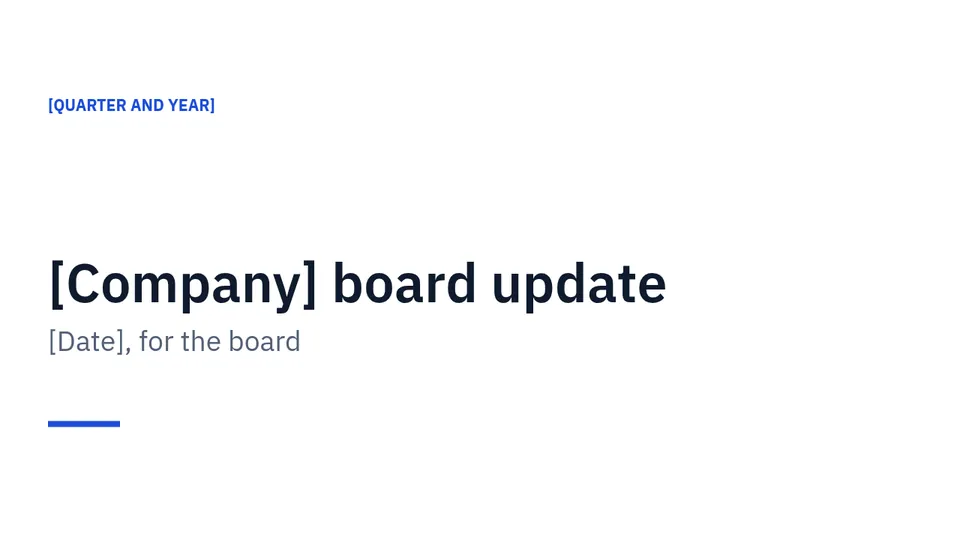
01Cover
The company, "board update", the quarter and the date.
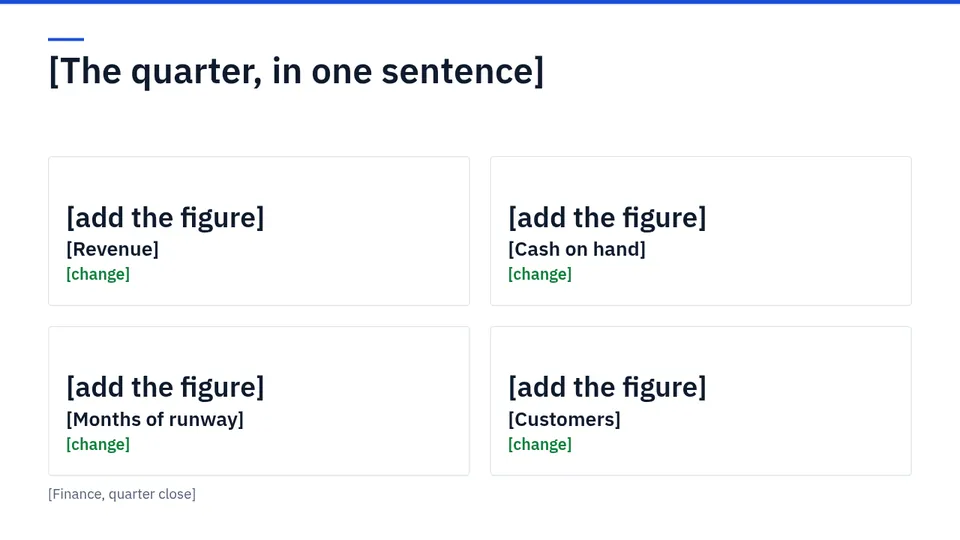
02Scorecard
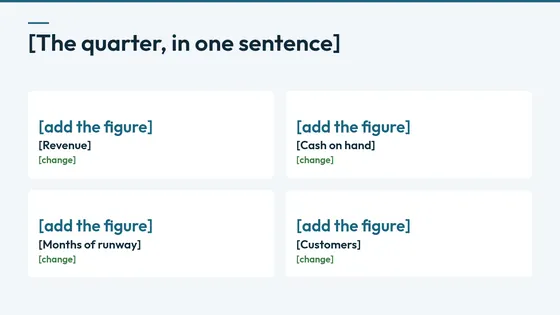
The quarter in one sentence, then four figures with their change: revenue, cash, months of runway and customers, or the four that matter most to you.
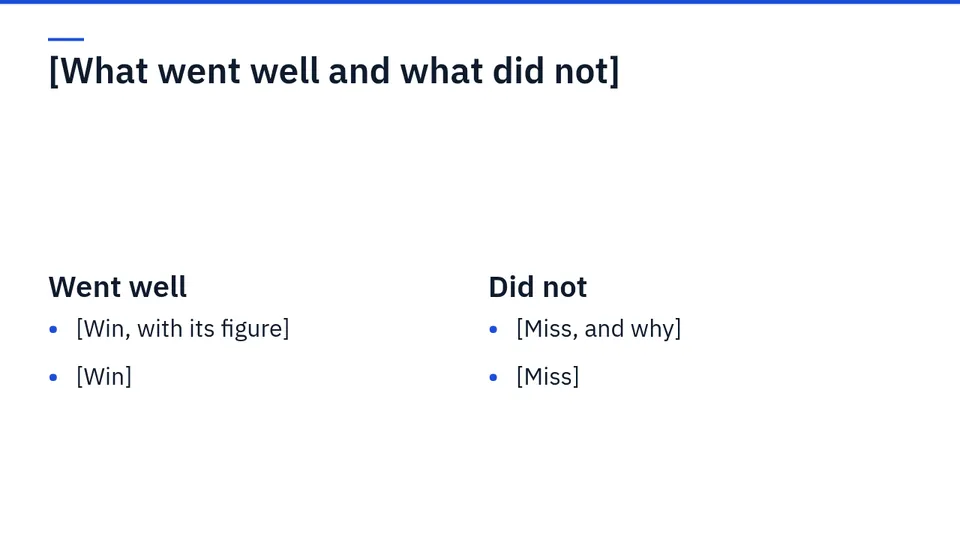
03Went well, did not
Two columns. Wins with their figures on the left. Misses and the reason on the right.
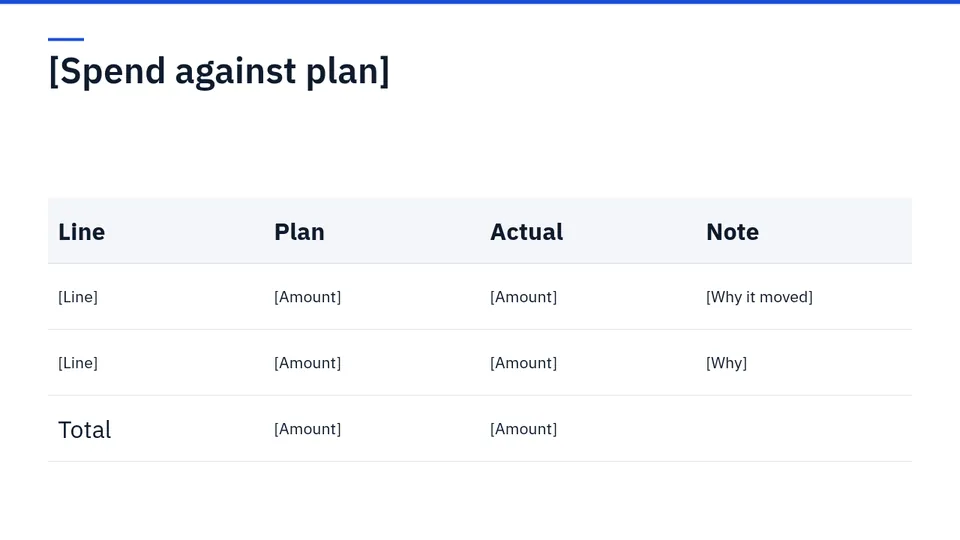
04Spend against plan
A table of each spending line, the plan, the actual and a note on why it moved.
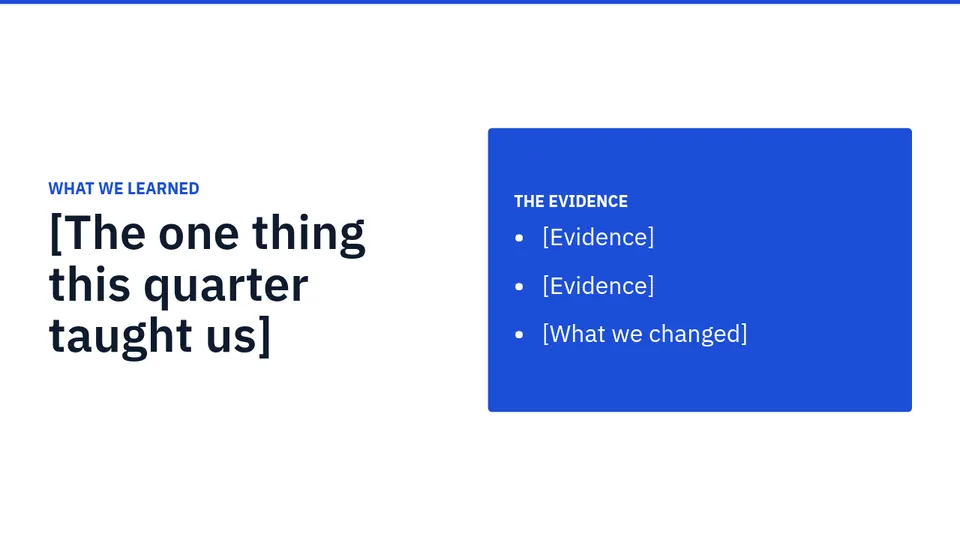
05What we learned
The one lesson of the quarter, with the evidence for it and what you changed.
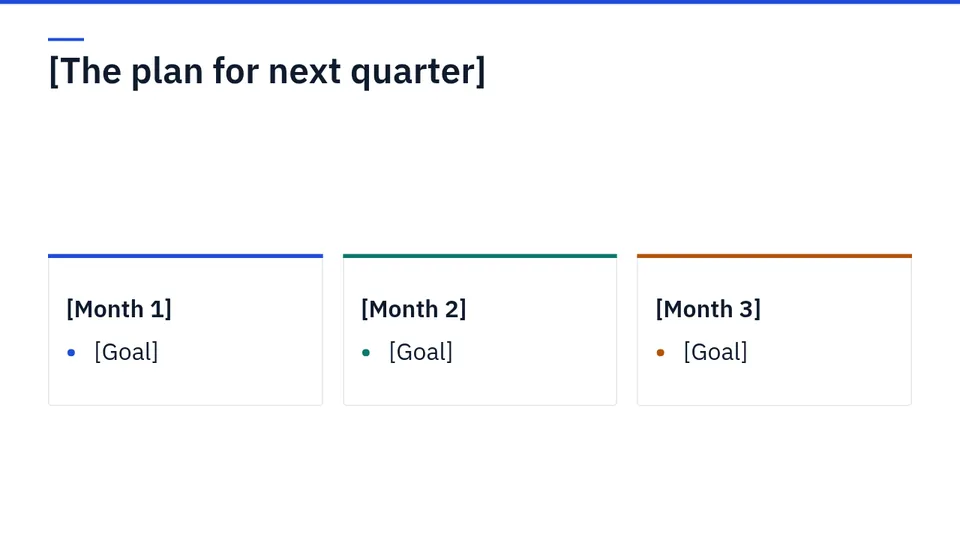
06Next quarter
One goal for each month.
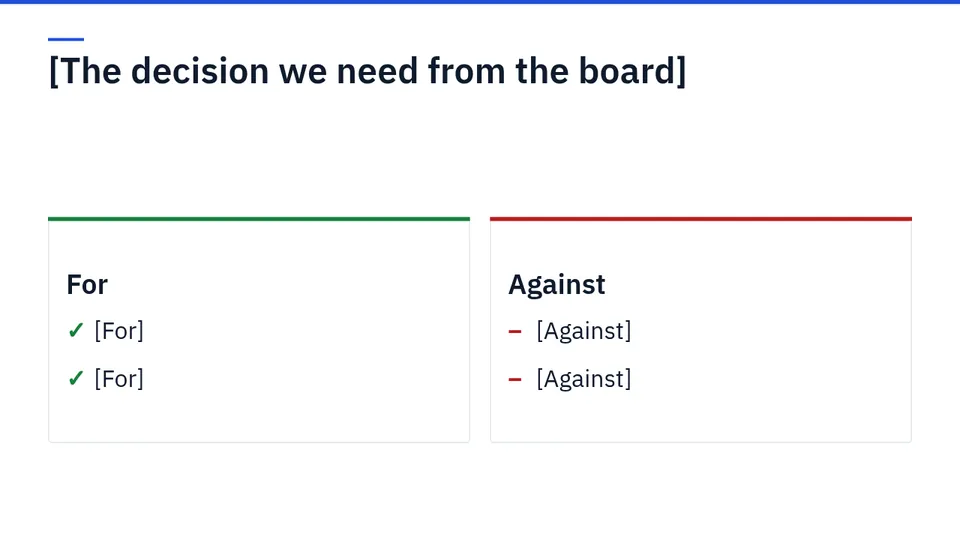
07The decision
The decision you need from the board, with the case for and against.
08Asks
What you need from the board: introductions, approvals, advice.
How to present it
- Put the bad news on the third slide, not the last. Boards trust a team that shows misses early.
- Use the same four figures every quarter so the board can compare.
- Write the decision slide first. It is the reason for the meeting.
The same deck in other looks

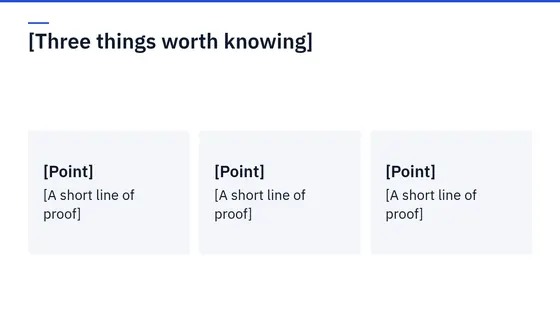
Ledger
Navy and white, ruled, built for numbers. IBM Plex Sans for headlines.
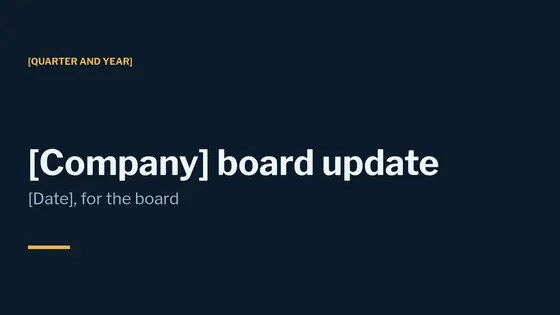
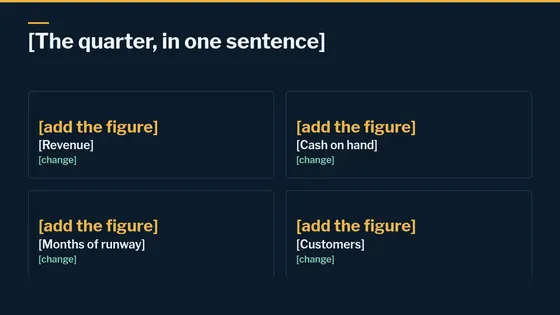
Meridian
Night navy with gold, for the board room. Libre Franklin for headlines.
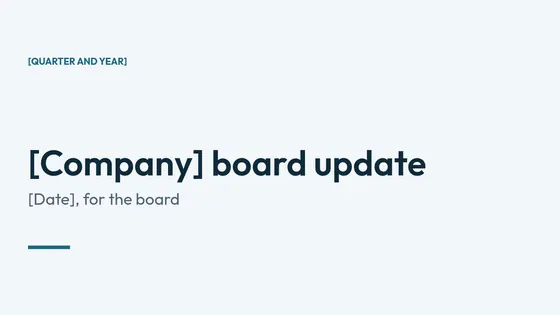
Fjord
Cool grey-blue, calm and orderly. Outfit for headlines.
Questions
How often should I send a board update?
Quarterly for most small companies, with a short written note in the months between.
What figures belong on the scorecard?
The few you would check first if you had been away: usually revenue, cash, runway and customers. Keep them the same each quarter.
Should I include the full accounts?
Attach them. Keep the slides to the figures that lead to a decision.
Use it in Supernatural
Supernatural: everything your business runs on, with Blue as your part-time admin. Present is one of its apps. In your workspace, you ask Blue for “a board update for this quarter”. Blue starts from this outline, writes in what you give it, and leaves [brackets] where something is missing. Figures you have not given stay as [add the figure], so no number reaches an audience unchecked. Nothing is made until you say yes.
The beta is free and asks for no card.
More free templates
Last updated 3 November 2026.