
These are the documents an office writes again and again: a resume when you hire or are hired, a proposal to a customer, a memo to the team, notes from a meeting, a letter that goes with an invoice. Each template is a real Word document with its own fonts, spacing and layout, so it looks finished before you type.
Words in [brackets] are for you to replace. Nothing in the templates is a made-up name or figure. The presentation outlines show every slide in order, drawn in the designed themes, with what goes on each.
Word templates
Resumes and cover letters
For a job search: three resume layouts for different fields and careers, and a cover letter that matches them.
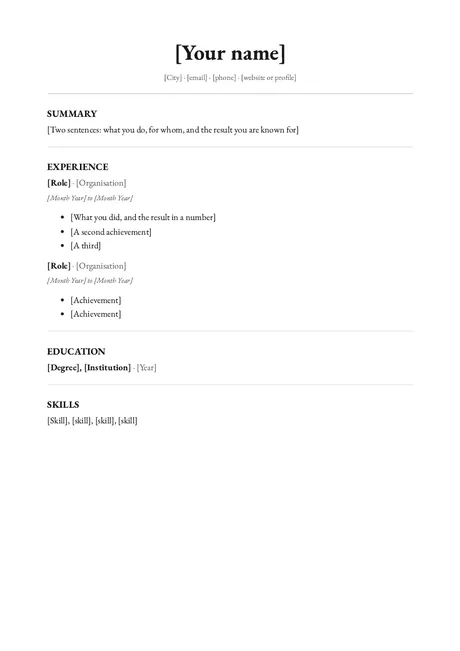 Classic resumeOne page, a serif, ruled sections. For law, finance, academia and public service.
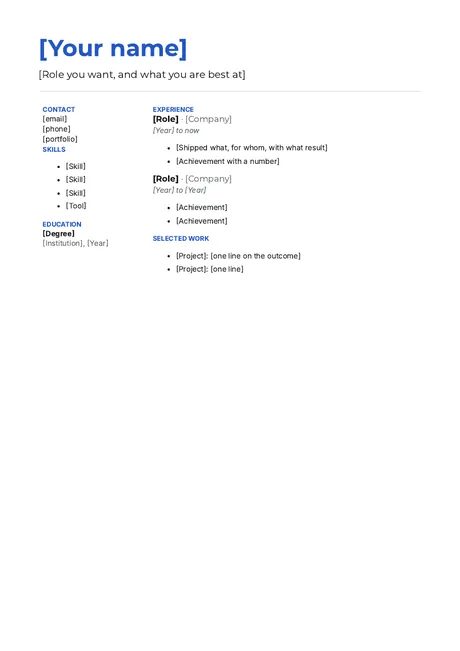 Modern resumeYour name in colour and a side column for skills. For design, product, tech and marketing.
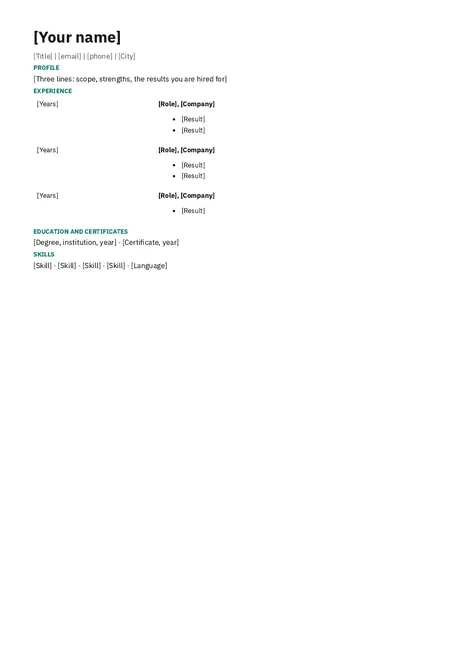 One-page resumeSmall type and tight spacing that fit a long career onto one page.
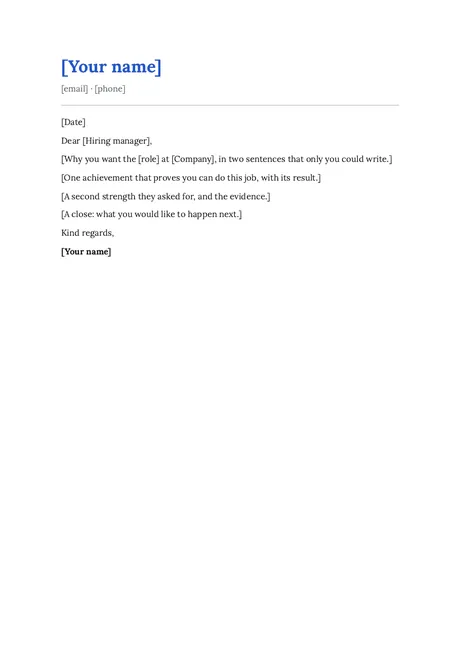 Cover letterFour short paragraphs: why this role, proof, a second strength, a close.
Proposals, reports and stories
For winning and keeping customers: what you send before the yes, and what you publish after it.
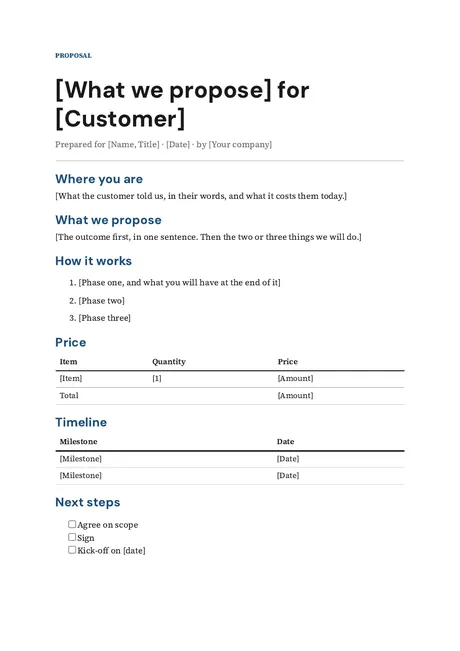 Business proposalWhere the customer is, what you propose, how, the price and next steps.
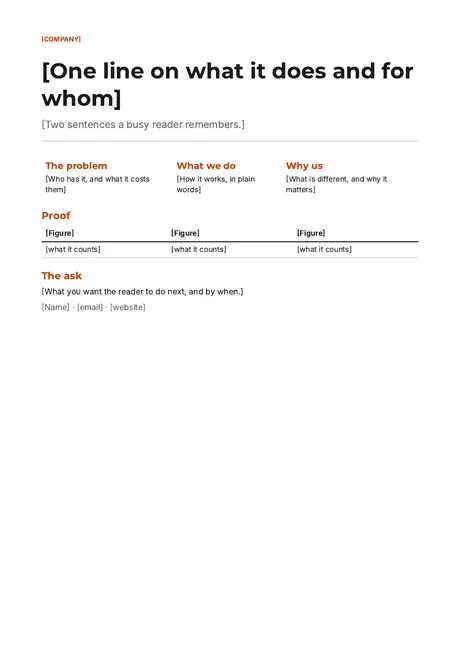 One-pagerYour company on one page: the line, the problem, why you, proof, the ask.
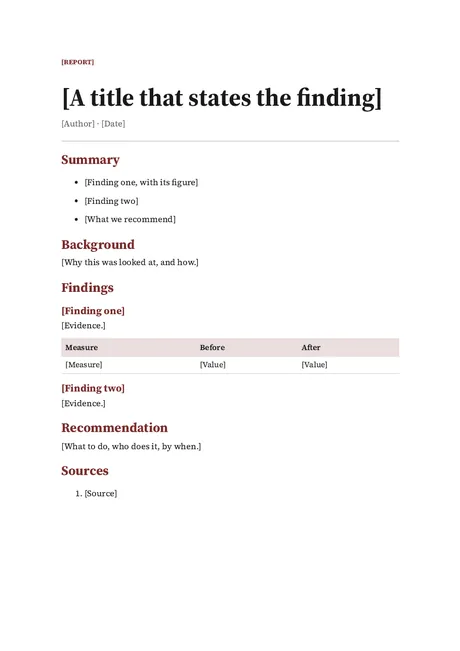 Business reportA title that states the finding, a summary, findings with evidence, a recommendation.
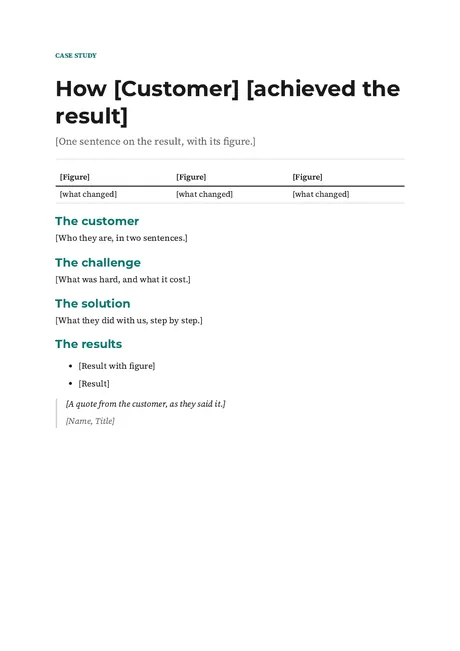 Case studyA customer story with three figures, the challenge, the solution and a quote.
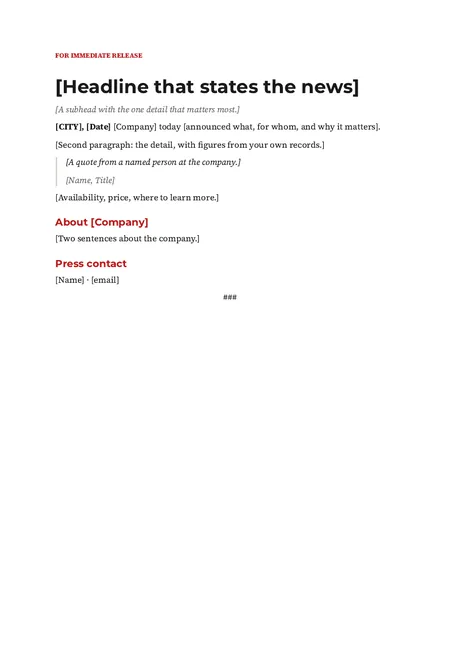 Press releaseRelease line, headline, dateline lead, a quote, about, press contact.
Office paperwork
For the running of the place: memos, meeting notes, formal letters and the letter that goes with a bill.
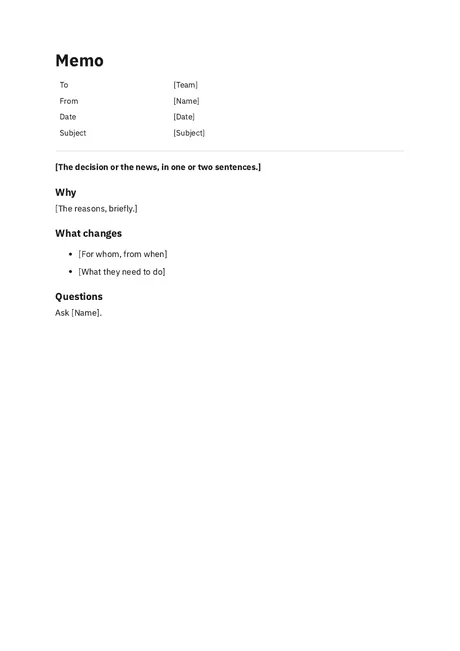 MemoTo, from, date, subject, then the news first, why, and what changes.
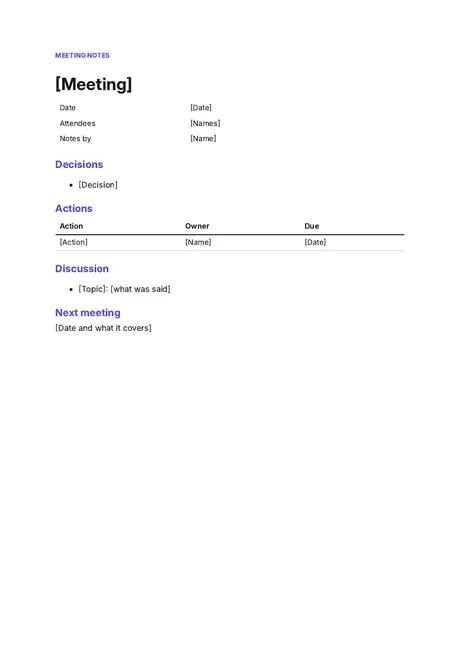 Meeting notesDecisions first, then actions with an owner and a due date.
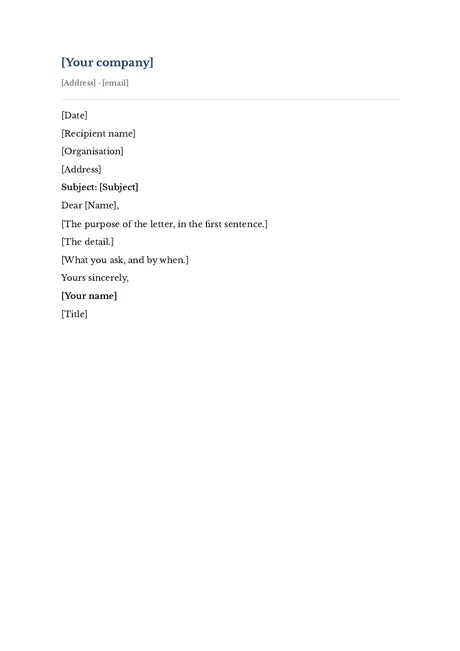 Business letterLetterhead, date, recipient, subject, body and signature.
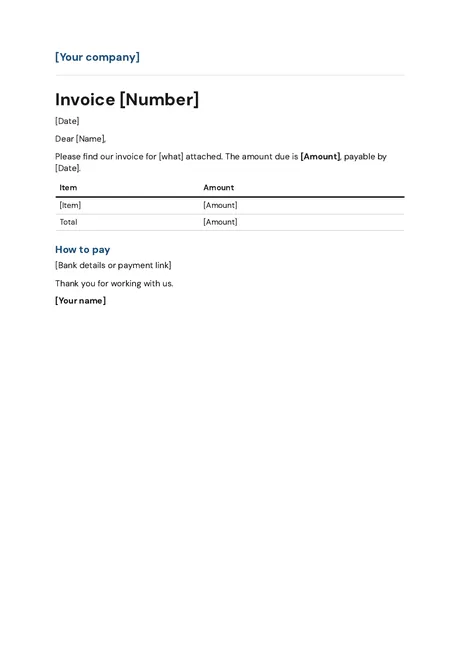 Invoice cover letterA short letter to send with an invoice: amount, due date, how to pay.
Presentation outlines
Each outline shows every slide in order and says what goes on it. The slides are drawn in the designed themes, with [brackets] where your words go.
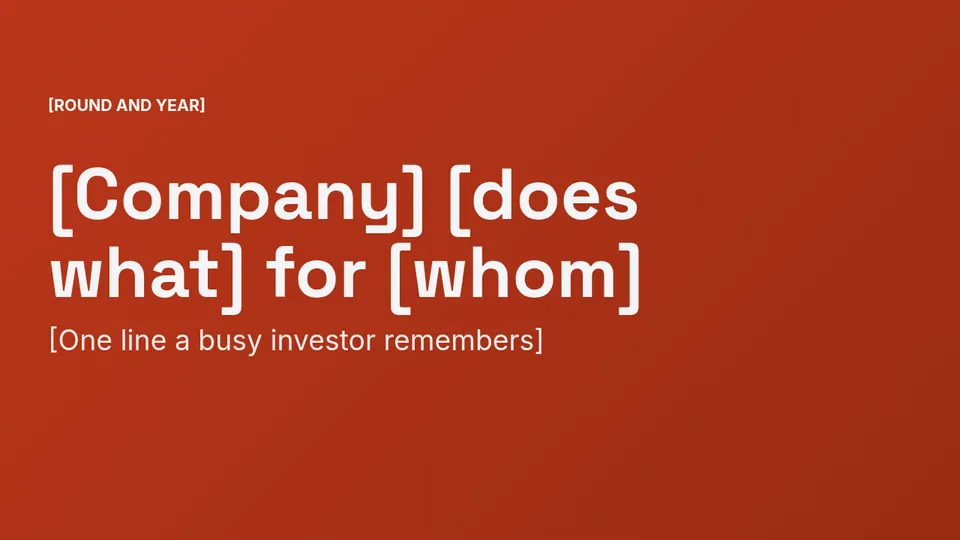 Pitch deckTen slides for investors or a lender, in six looks.
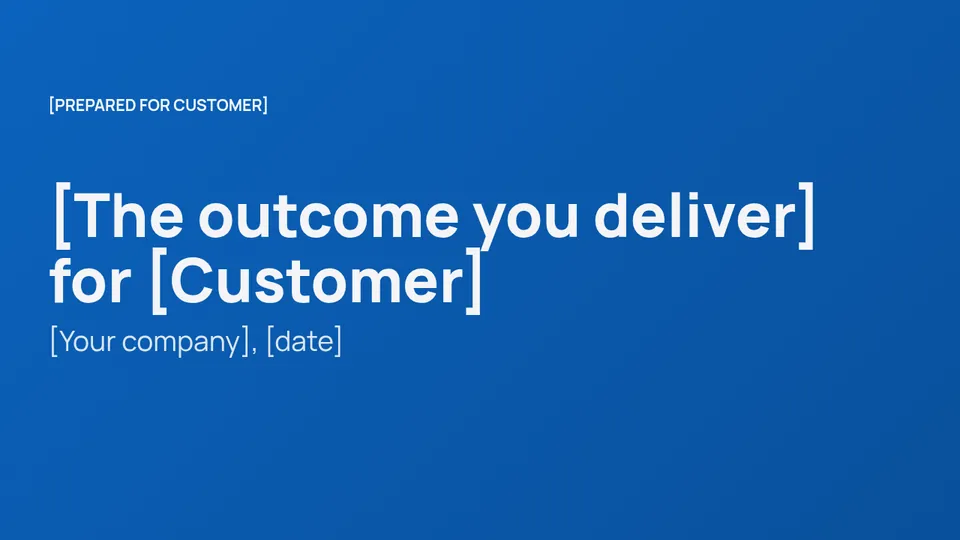 Sales deckTen slides from what you heard to the next step, in five looks.
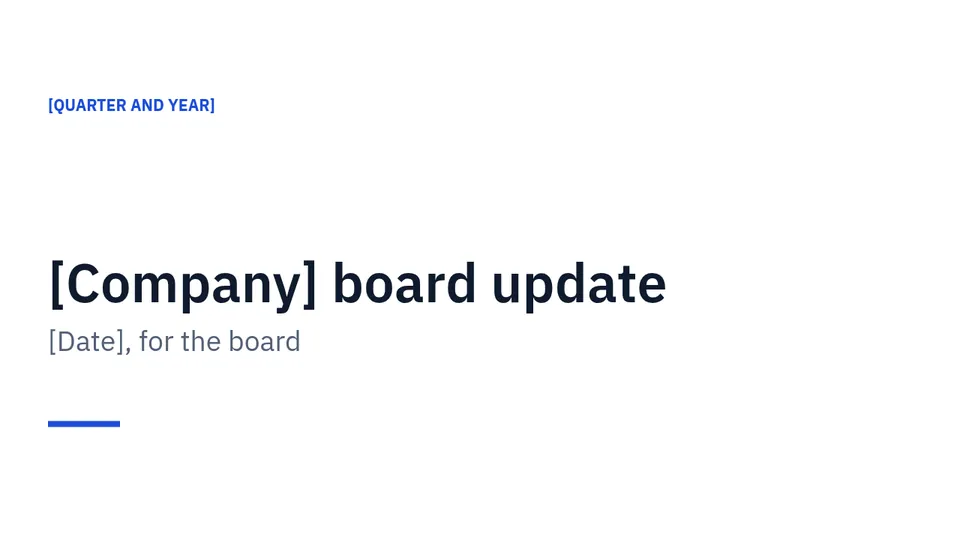 Board updateEight slides: the quarter in figures, what went well, spend and decisions.
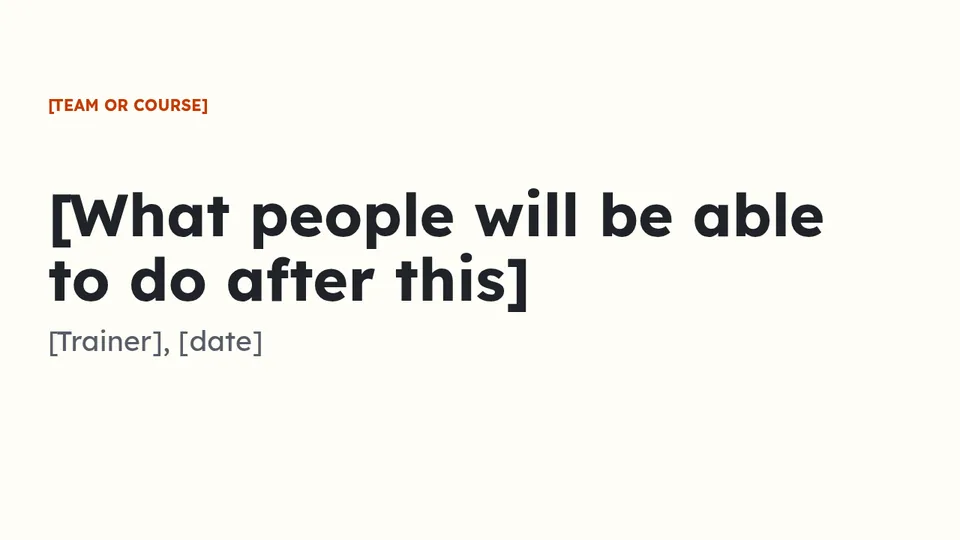 Training deckNine slides that teach one task, with practice and a recap.
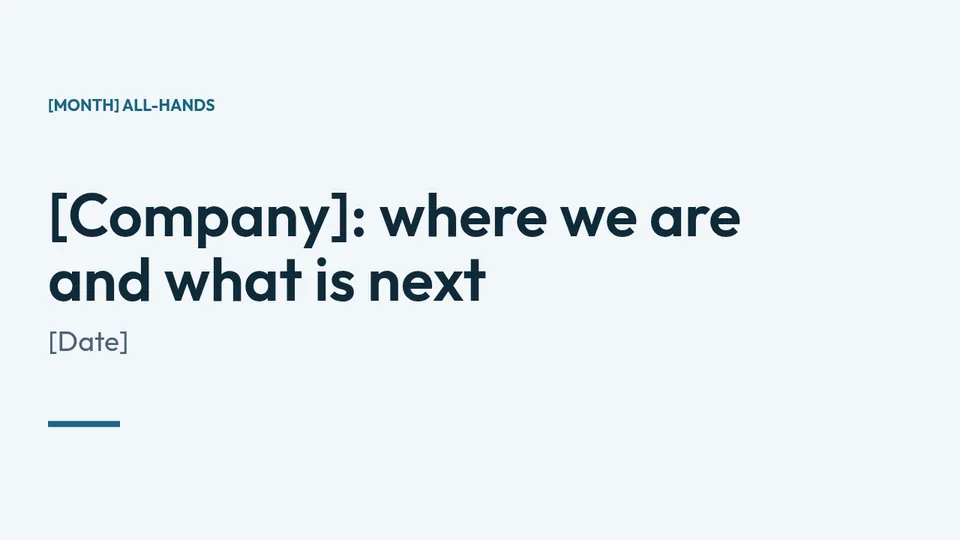 All-handsEight slides for a monthly company meeting: figures, wins, plans, welcomes.
 Presentation themesAll nineteen designed looks, each shown on a cover and a content slide.
Questions
Are these templates really free?
Yes. The Word templates download as .docx files with no sign-up and no email asked. You may use them for your own work and your business.
Which programs open the Word templates?
They are made for Microsoft Word, in its own .docx format. Other programs that read .docx files can open them too. If you use one, check the layout before you send.
Can I download the presentation templates?
Not yet. The deck pages show each slide and what goes on it, so you can build the deck in any slide tool. The designed decks live in Present, Supernatural's slide app.
Made by the team behind Supernatural
Supernatural: everything your business runs on, with Blue as your part-time admin. It brings your mail, calendar, files, contracts, invoices and support into one place, and Blue does the work you approve. These templates come from its Word and Present apps.
The beta is free and asks for no card.
Last updated 3 November 2026.