
What this deck is for
Use it to onboard new staff, to roll out a new process, or to teach a skill such as handling a refund, opening the shop, using a new machine or answering a complaint. It works in a room, on a video call and as a deck people read later.
Training sticks when people do the task during the session. That is why the exercise sits before the recap, not after it.
The slides, in order
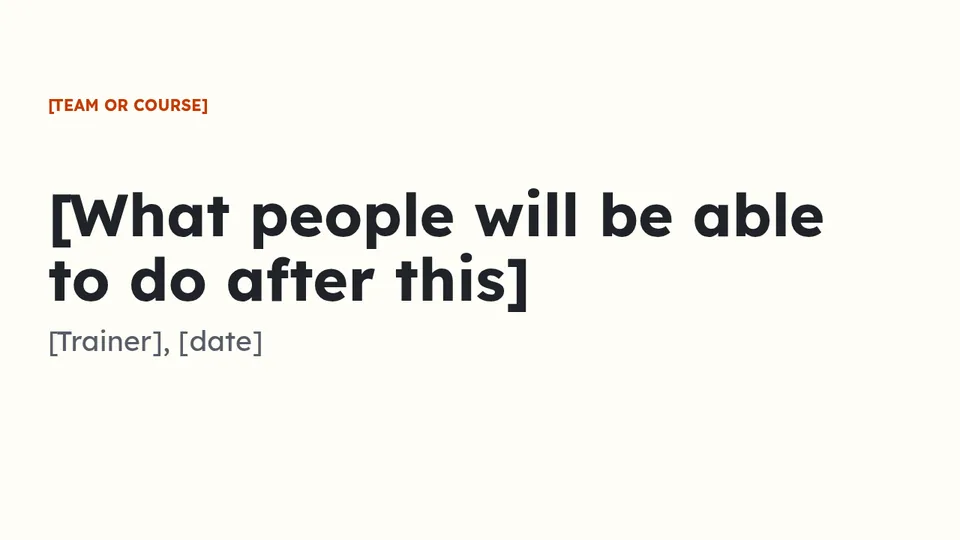
01Cover
What people will be able to do after this session, as the title. The trainer and the date under it.
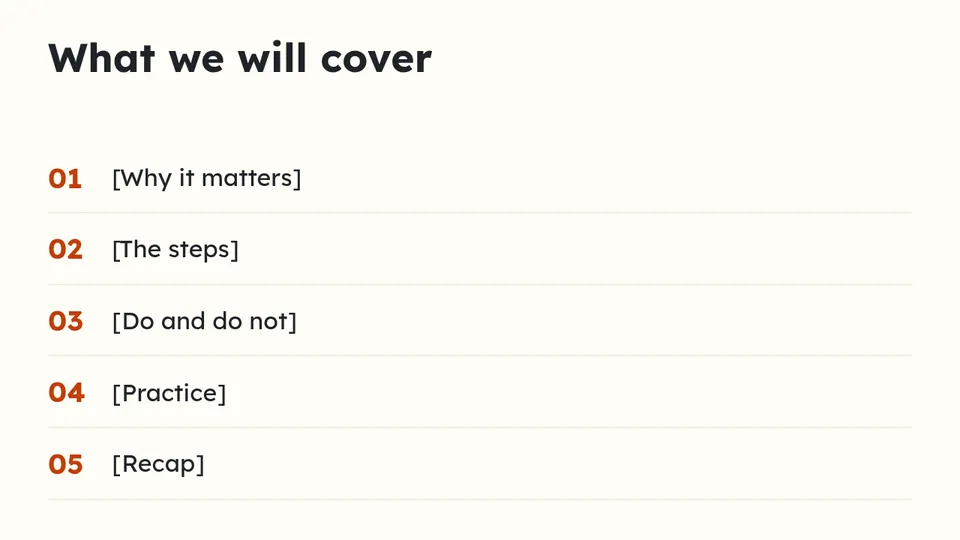
02Agenda
Five lines, from why it matters to the recap.
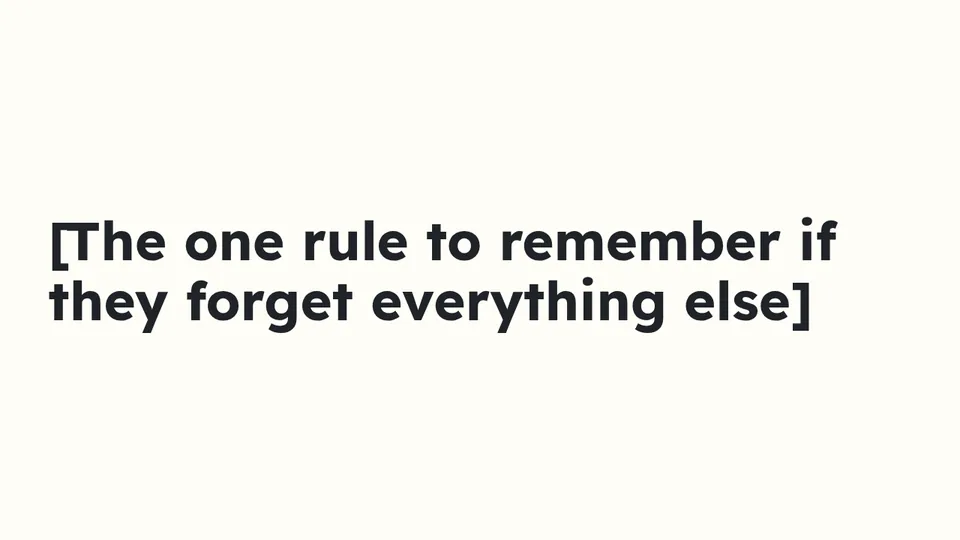
03The one rule
One sentence people should remember if they forget everything else.

04Section
A divider before the steps, so the room knows the core is starting.
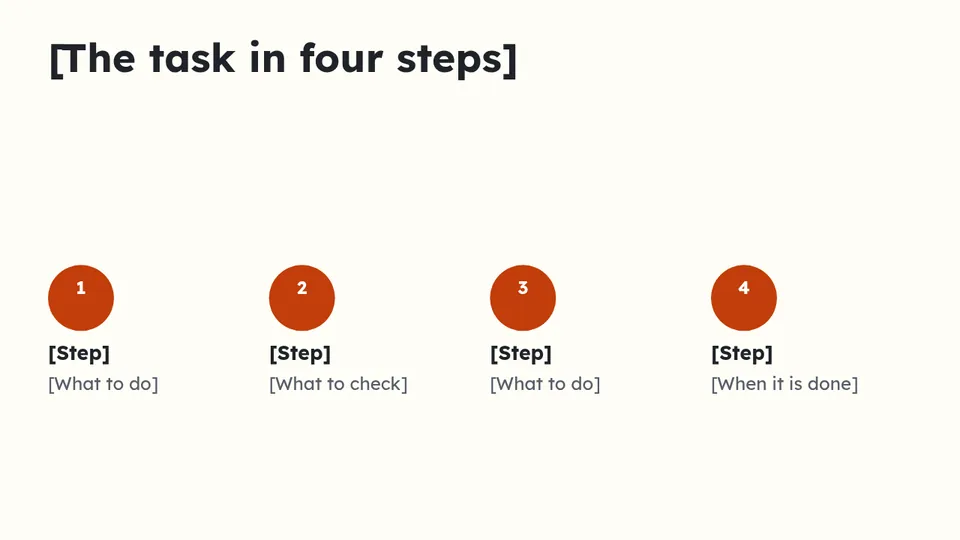
05The steps
The task in four steps, each with what to do or what to check.
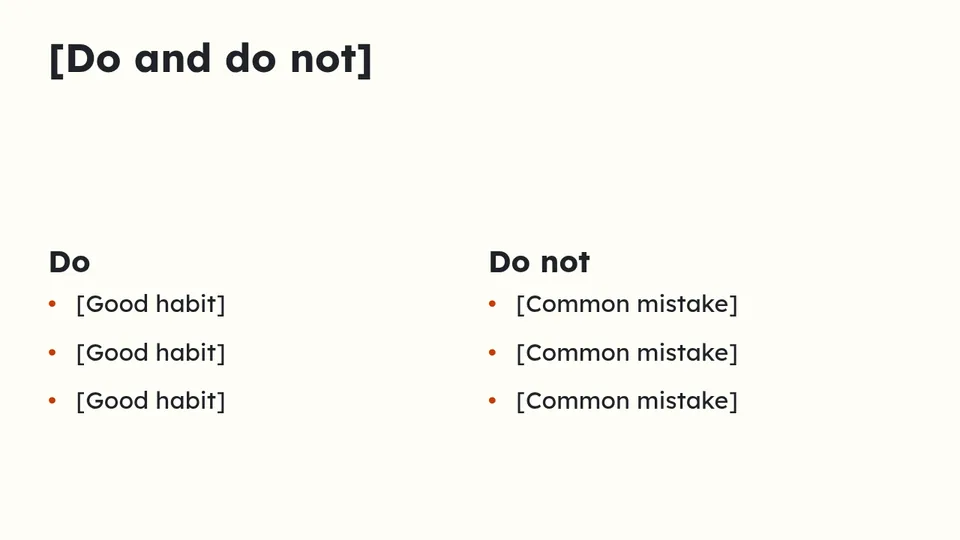
06Do and do not
Good habits on the left, common mistakes on the right.
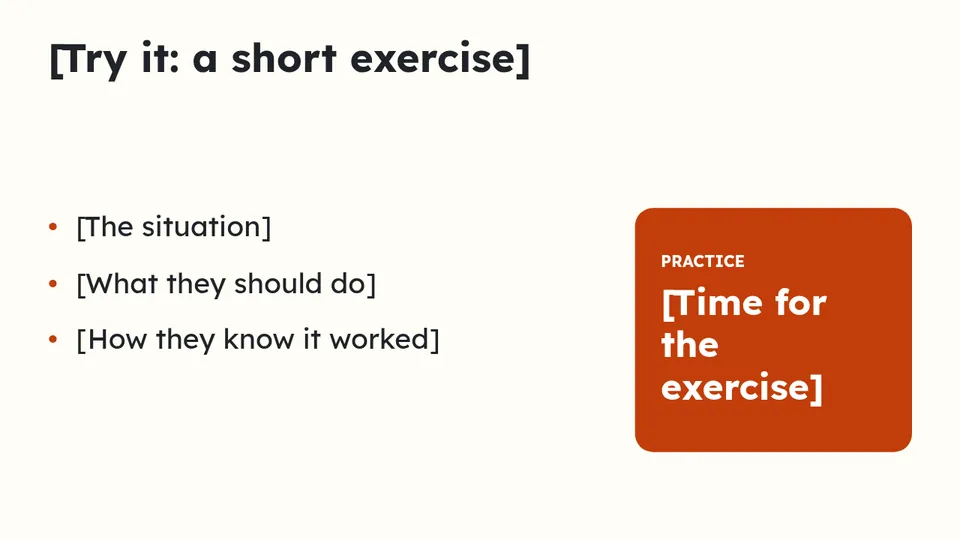
07Practice
A short exercise: the situation, what they should do, and how they will know it worked.
08Recap
Three things to remember.
09Where to get help
The person or the page to go to after today.
How to present it
- Teach one task per session. Two tasks halve what people remember.
- Use real examples from your own business in the exercise.
- Share the deck afterwards. The steps slide becomes the checklist people use at work.
The same deck in other looks

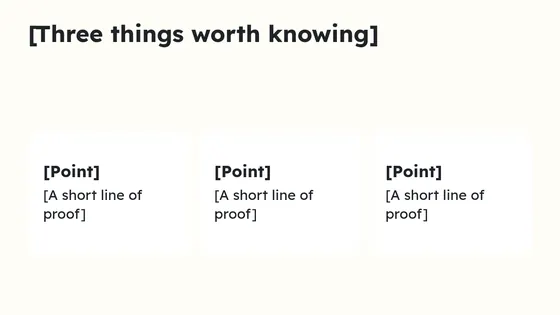
Zest
Bright and friendly, easy to read from the back of the room. Lexend for headlines.
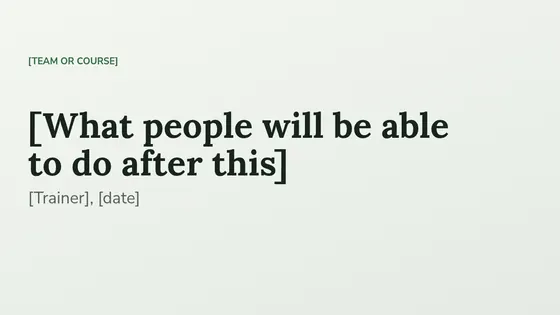
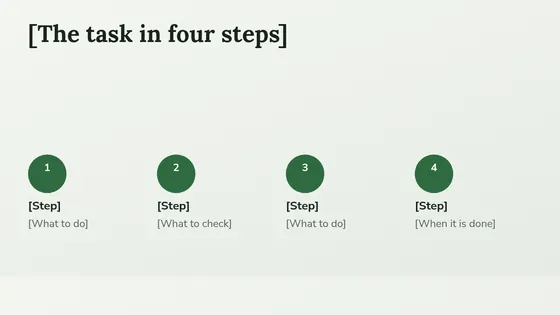
Grove
Leaf green and paper, a warm serif over a soft sans. Lora for headlines.
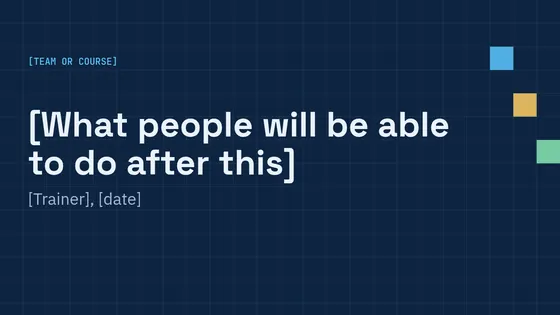
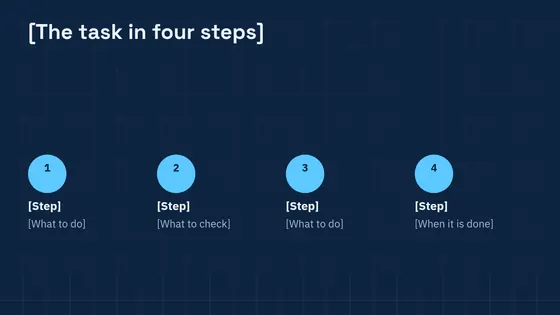
Blueprint
Drafting blue with a faint grid, for how things work. Space Grotesk for headlines.
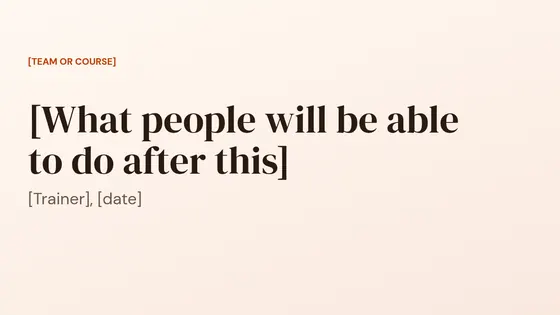
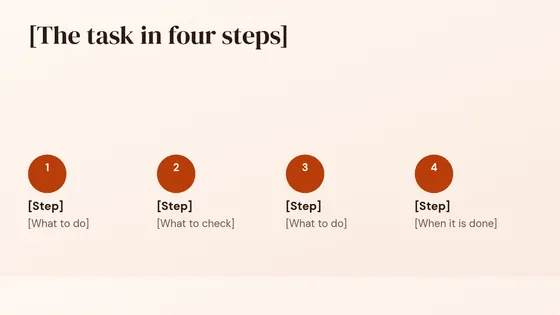
Sunrise
Cream and burnt orange, a soft display serif. DM Serif Display for headlines.
Questions
How long should a training session be?
Short enough to stay on one task. Many teams find under an hour works, with the exercise in the middle.
How do I know the training worked?
Watch people do the task a week later. If they skip a step, that step needs a clearer slide.
Can I use it for online training?
Yes. Keep the practice slide on screen while people try the exercise, and ask them to share what they did.
Use it in Supernatural
Supernatural: everything your business runs on, with Blue as your part-time admin. Present is one of its apps. In your workspace, you ask Blue for “a training deck for the team”. Blue starts from this outline, writes in what you give it, and leaves [brackets] where something is missing. Figures you have not given stay as [add the figure], so no number reaches an audience unchecked. Nothing is made until you say yes.
The beta is free and asks for no card.
More free templates
Last updated 3 November 2026.